

TrustLayer + CMiC
Keep construction compliance connected to CMiC
Bring vendors, projects, and subcontracts from CMiC into TrustLayer, manage compliance in one place, and send status back into CMiC so project teams can see vendor risk without switching systems or waiting for manual updates.

Keep CMiC at the center of your project workflow
CMiC remains the source of record for your vendors, projects, and subcontracts. TrustLayer becomes the place where your team collects documents, evaluates requirements, and manages compliance.The integration connects the two so your teams do not have to rebuild records, update spreadsheets, or manually carry compliance results back into CMiC.
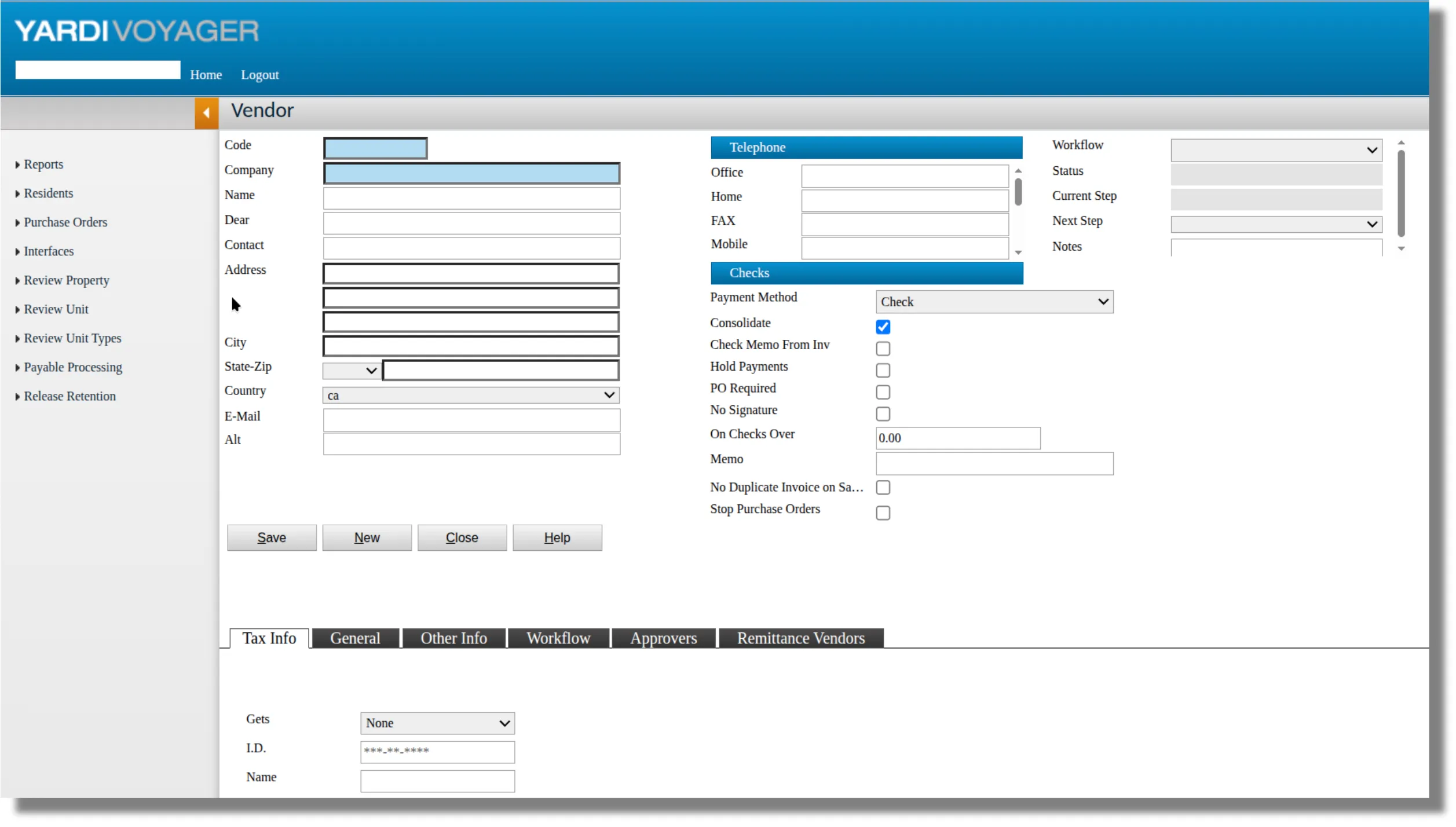
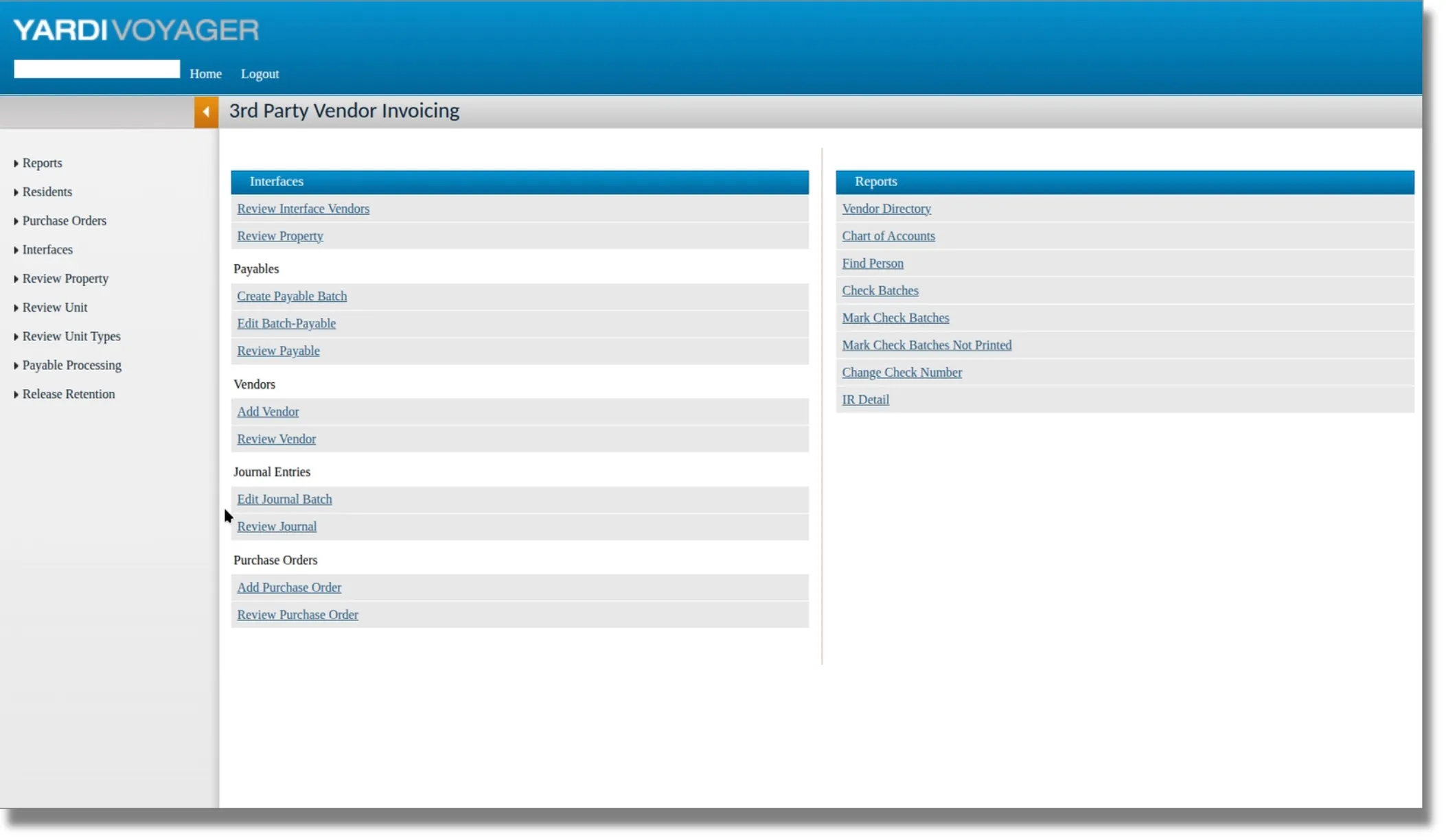
How CMiC and TrustLayer work together
Import your construction records from CMiC into TrustLayer for centralized compliance management. As vendor compliance changes, TrustLayer sends the updated status back into CMiC so project teams can see it inside the system they already use.
Key CMiC integration features

Import Vendors and Contacts
Bring CMiC Business Partners and their contact information into TrustLayer for centralized compliance tracking.

Import Project Records
Bring CMiC projects into TrustLayer and connect vendors to the projects where their compliance requirements apply.

Export Compliance Status
Send vendor compliance status back into CMiC so project teams can quickly see vendor standing.
Reduce manual compliance work across every project
When project and vendor records live in one system and compliance lives in another, teams spend too much time copying information, checking spreadsheets, and asking for status updates.
TrustLayer connects compliance activity back to CMiC so your team can:
• Avoid recreating vendor and project records
• Reduce manual status updates
• Keep project and compliance teams connected
• See which vendors need attention before work begins
• Give CMiC users compliance visibility without adding another workflow
TrustLayer connects compliance activity back to CMiC so your team can:
• Avoid recreating vendor and project records
• Reduce manual status updates
• Keep project and compliance teams connected
• See which vendors need attention before work begins
• Give CMiC users compliance visibility without adding another workflow
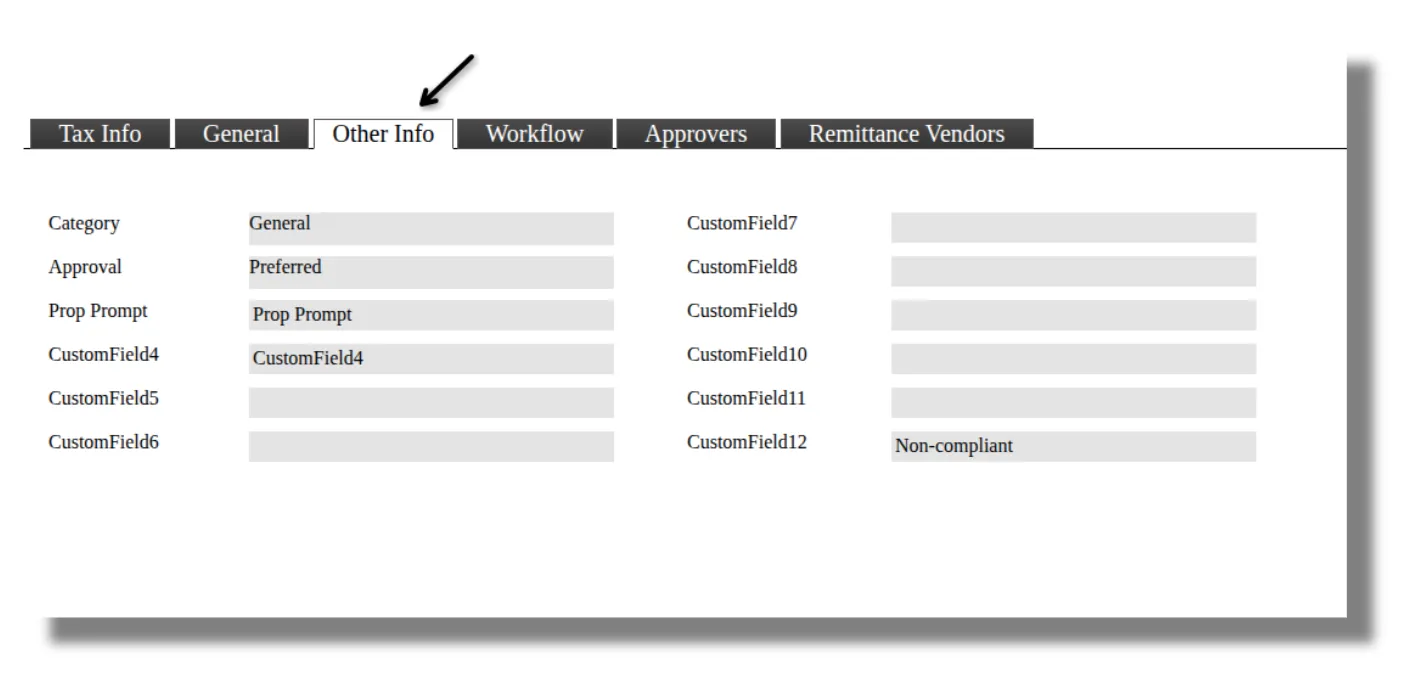
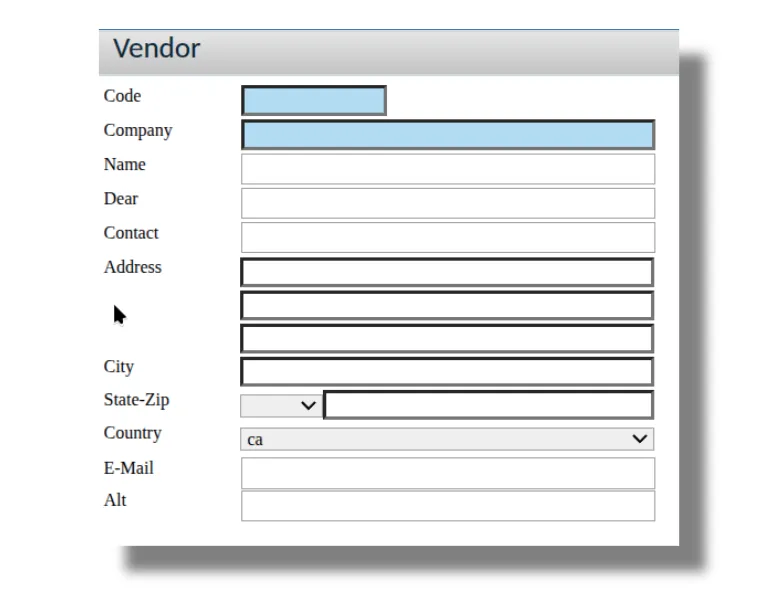
See subcontractor compliance where the work happens
Compliance is not useful when it is buried in a separate spreadsheet or known only by the risk team.TrustLayer sends vendor compliance status back into CMiC, giving project stakeholders faster visibility into who is compliant, who is not, and where follow-up may be required.
Built directly for CMiC
TrustLayer connects directly to CMiC’s REST API as a registered CMiC partner. There is no third-party middleware sitting between the two systems, and TrustLayer manages the connection end to end.

Keep your project and compliance teams in sync
Connect CMiC and TrustLayer to reduce manual updates, centralize vendor compliance, and give project teams clearer visibility into vendor risk.
.svg)


