
Enhanced Endorsements

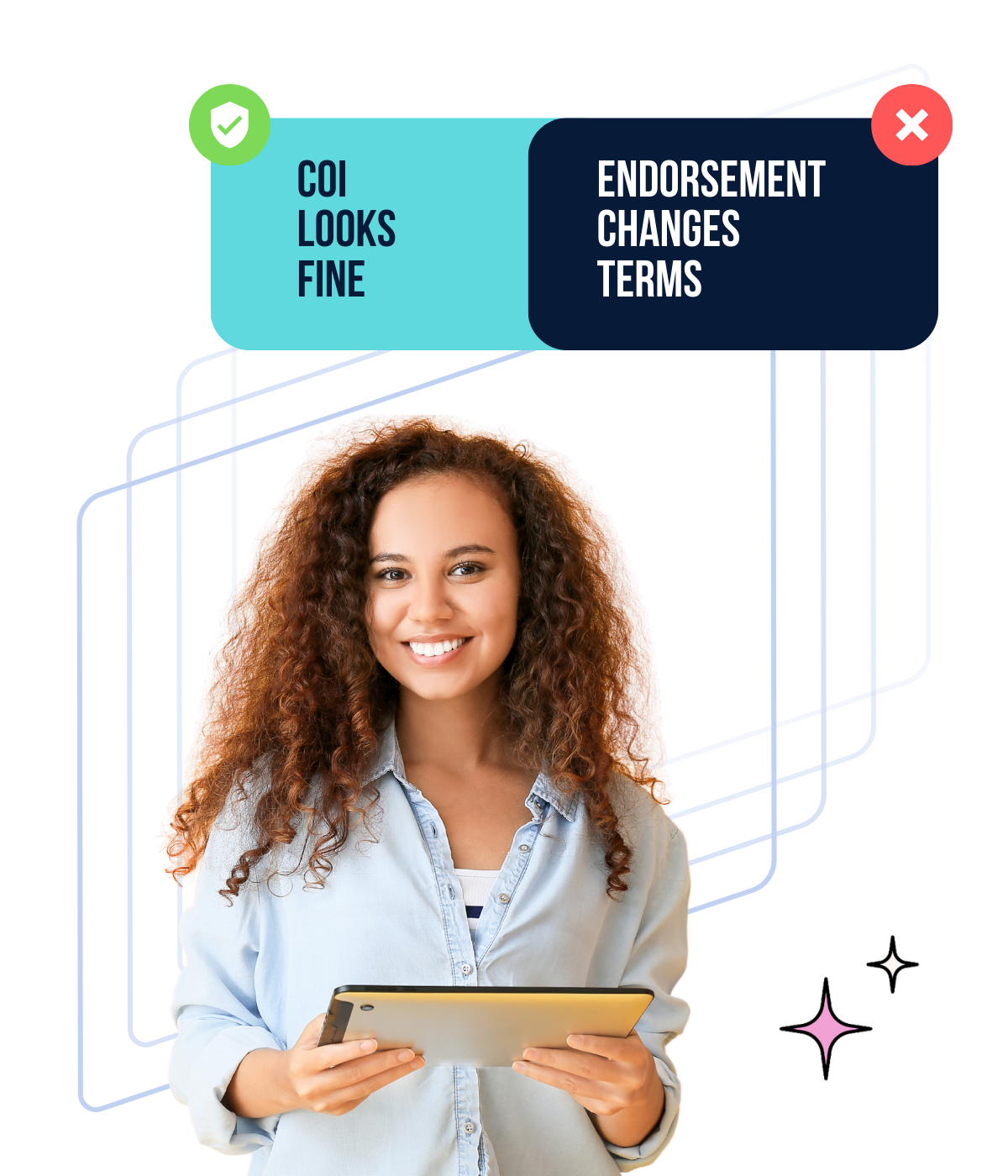
The COI looked fine. The endorsement changed the meaning.

Enhanced Endorsements surfaces the pages that change the risk—so you don’t miss what the COI summary can’t show.

The certificate page isn’t where coverage gets decided.

A COI can look “compliant” and still hide wording that changes who’s covered, when coverage applies, and what conditions limit enforceability. That’s why the surprise shows up later—during renewals, audits, disputes, or claims.

• COI summary looks acceptable
• Endorsement language narrows or conditions the coverage
• Approval happens anyway (because the pages are buried)

Enhanced Endorsements brings the pages that change the meaning into view during review—so decisions don’t depend on page-hunting.
See how it works

How Enhanced Endorsements work

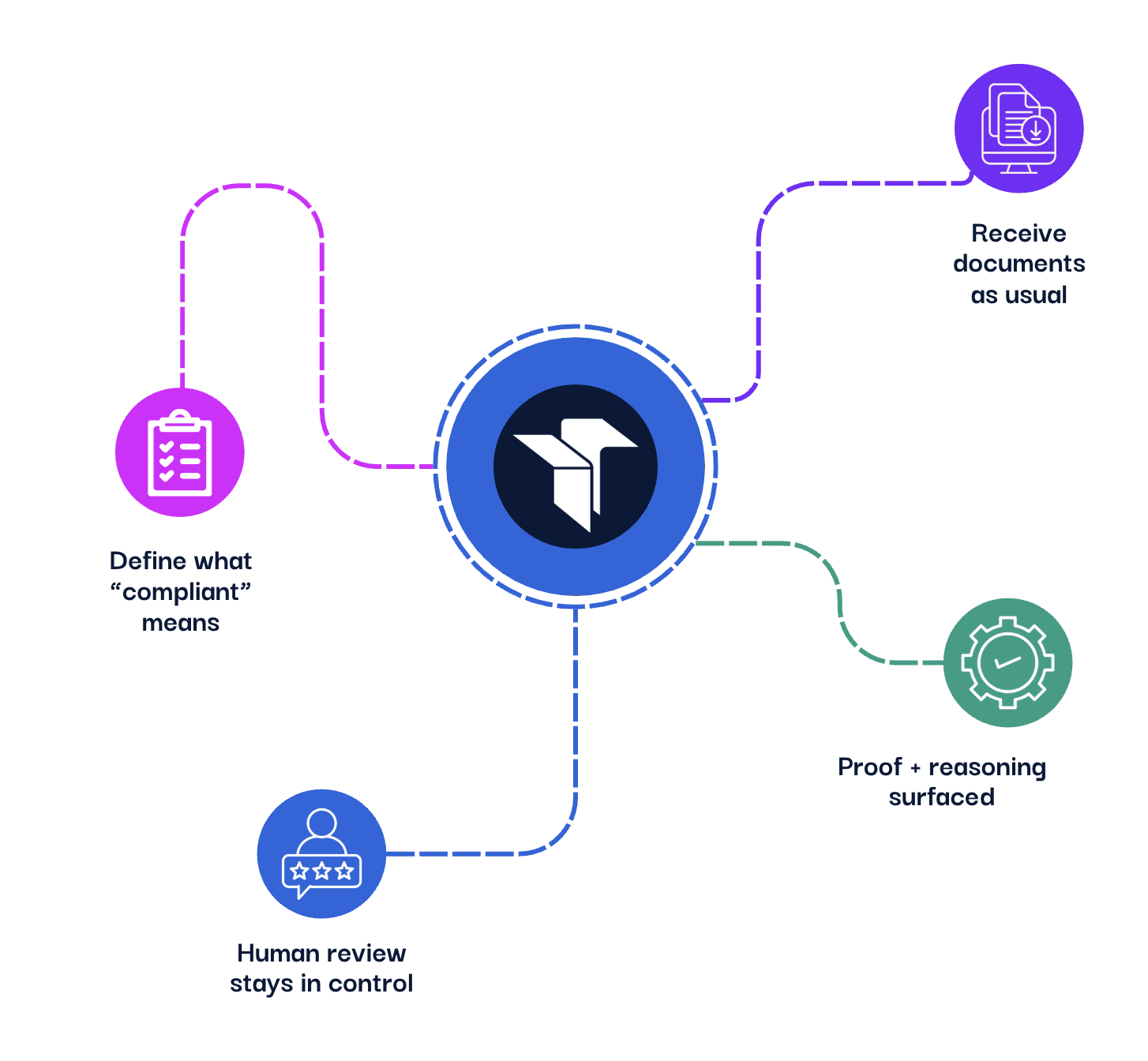
1. Choose the endorsement requirement
Turn on the endorsement requirement you care about (like Additional Insured or Waiver of Subrogation)—with clear, plain-English guidance on what “counts.”

2. Receive documents as usual COIs and endorsement pages come in like they do today. No new process for your vendors.

3. The system surfaces the proof (with reasoning) Enhanced Endorsements finds the relevant language and shows where it appears—including page attribution and why it matched (or didn’t) so you’re not hunting through PDFs.

4. Human review stays in control Review, approve, override, or reevaluate. This is assisted verification—faster decisions with transparency, not blind automation.

Watch the 2-minute walkthrough

Endorsement requirements you can verify (without the PDF scavenger hunt)

Enhanced Endorsements checks for the language you require, then surfaces the page that proves it. Teams use Enhanced Requirements to verify:

✔️ Additional Insured (incl. common equivalents)

✔️ Primary & Non-Contributory wording

✔️ Waiver of Subrogation (GL / Auto / WC as required)

✔️ Completed Operations wording

✔️ Blanket vs. Scheduled endorsement requirements

✔️ Project / location / owner-specific clauses (when written into the requirement)

✔️ “Endorsement included” validation (not just “refer to endorsement”)

If it can be written as a requirement, it can be verified—and confirmed by a human.

Who Enhanced Requirements are built for

For risk teams trying to move faster without losing control.

• Teams reviewing high volumes of insurance documents

‍• Organizations with custom, nuanced, or contract-specific requirements

• Risk managers tired of “refer to endorsement” + manual PDF scavenger hunts

• Teams that need faster decisions without blind automation

• Enterprises onboarding vendors at volume

If your team still says ‘we have to manually double-check that,’ this was built for you.

Stop approving “compliant” before you’ve seen the endorsement

Enhanced Endorsements surfaces the exact page and language that proves (or breaks) compliance—so decisions don’t depend on PDF scavenger hunts.
Learn More

Enhanced Endorsements FAQs

Q: What is Enhanced Endorsements?

Q: Why isn’t a certificate of insurance (COI) enough?

Q: What endorsement requirements does Enhanced Endorsements help verify?

Q: Does Enhanced Endorsements show proof like page numbers or “why” it passed or failed?

Q: If Enhanced Endorsements is enabled, does it automatically change everything in my workspace?

Q: How is this different from generic AI extraction or a chatbot?

Q: Is Enhanced Endorsements included in my plan?
Enhanced Endorsements: The COI Is Never the Whole Story

The certificate can look fine. The endorsement can change the meaning. Enhanced Endorsements brings the pages that modify coverage into the workflow, so teams review faster, request less, and avoid “we’ll verify later” approvals.

Read More